
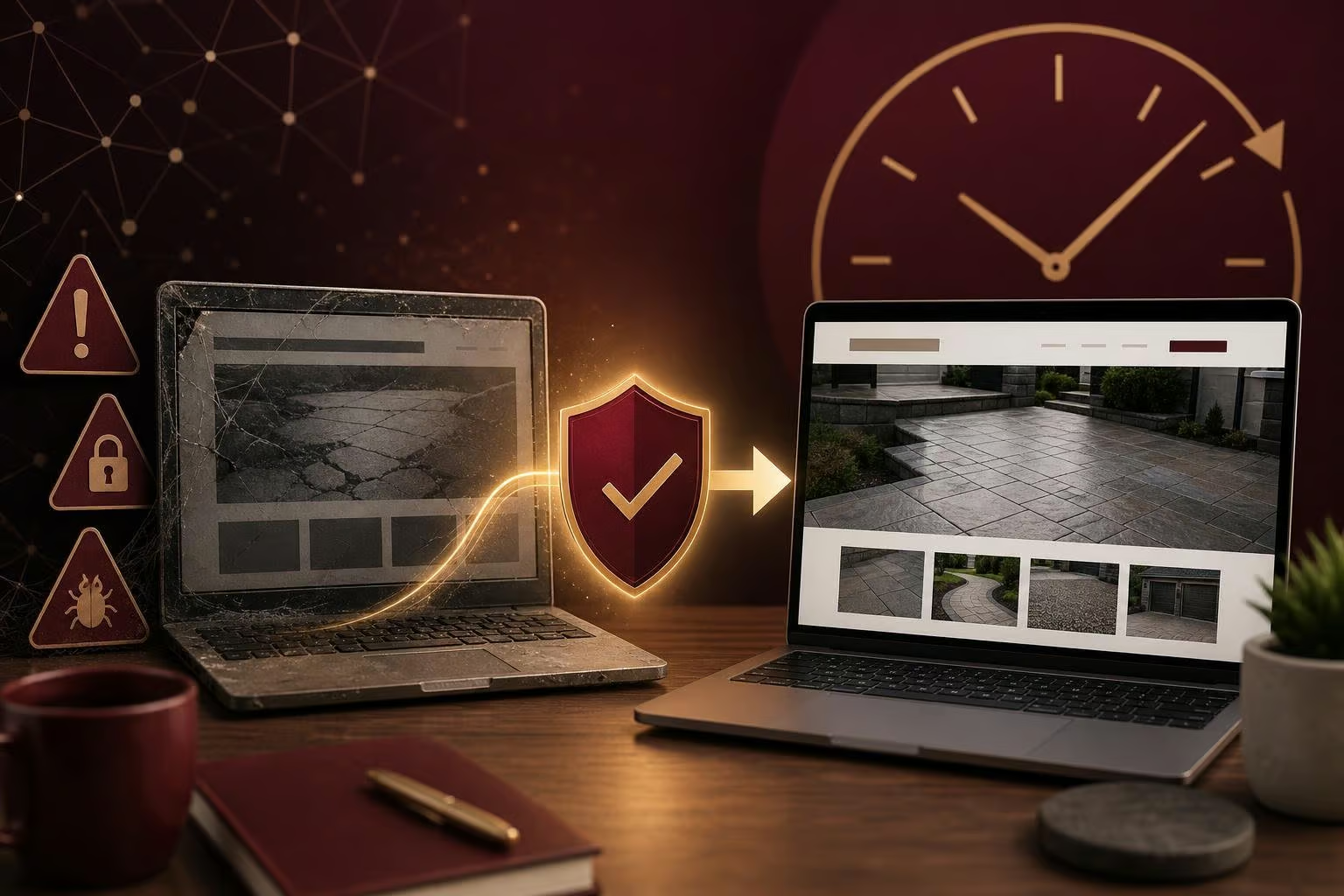
When an Old Website Becomes a Security Concern
A website can keep looking familiar long after it has stopped being dependable. Pages may become difficult to use, updates may no longer be possible, and an older site can become a security concern without giving the business owner a clear warning.
For a small business, that is a hard position to be in. The website is often where customers check services, decide whether to call, and look for basic contact information. When it becomes unusable, the immediate priority is protecting the business and getting a reliable replacement in place.
Know the signs that a website needs attention
An old website does not have to be completely offline before it deserves a closer look. Trouble can show up as pages that no longer work properly, a site that is difficult to manage, or a website that has become unusable altogether.
Security is another reason not to leave an aging site untouched. Platforms, themes, and add-ons need ongoing care. WordPress’s own hardening guidance recommends keeping WordPress, themes, and plugins up to date, along with maintaining backups. The Canadian Centre for Cyber Security also includes automatic software updates in its baseline cyber security guidance for small and medium organizations.
That does not mean every older website is unsafe. It does mean that a site without a clear maintenance plan should not be assumed to be fine simply because it is still online.
Remove the risk before rebuilding
For a regional surface restoration company in Norfolk County, the existing website had become unusable and presented a security risk. Rather than leave the unsafe site online while trying to patch around the problem, CWC took it down and rebuilt the website.
The replacement was launched within 24 hours.
That quick turnaround mattered because it restored a modern website after the previous one could no longer serve the business properly. In situations like this, taking the risky site offline can be a sensible first step: it prevents the business from continuing to rely on something that is no longer usable while a new site is being prepared.
A launch should include a plan to keep the site healthy
Replacing an outdated website solves the immediate problem, but it should also create a better starting point for the future. Before considering the work finished, a business owner should understand a few practical details:
- Who can access the website and where those logins are kept.
- Who is responsible for updates after launch.
- Whether backups are being kept and can be restored if needed.
- How changes to services, hours, photos, or contact details will be handled.
- Who to call if something stops working.
These are not technical questions for technical people only. They are ownership questions. A business should be able to get help, make decisions, and know what is happening with its own online presence.
Do not wait for a complete failure
If your website has become difficult to update, looks broken on important pages, or has been left without regular care for a long time, it is worth reviewing before it turns into an urgent problem. Sometimes a focused update is enough. Other times, taking the old site offline and building a clean replacement is the safer path.
The important thing is to make that decision while there is still time to protect the business, rather than after an unusable website has already become a security concern.